Login
ORCID is the authentication provider for the Swarm Learning Hub. You need to register and create an Account on the Swarm Learning Hub to be able to access your saved data and personal features.
Steps to get Access to the Hub
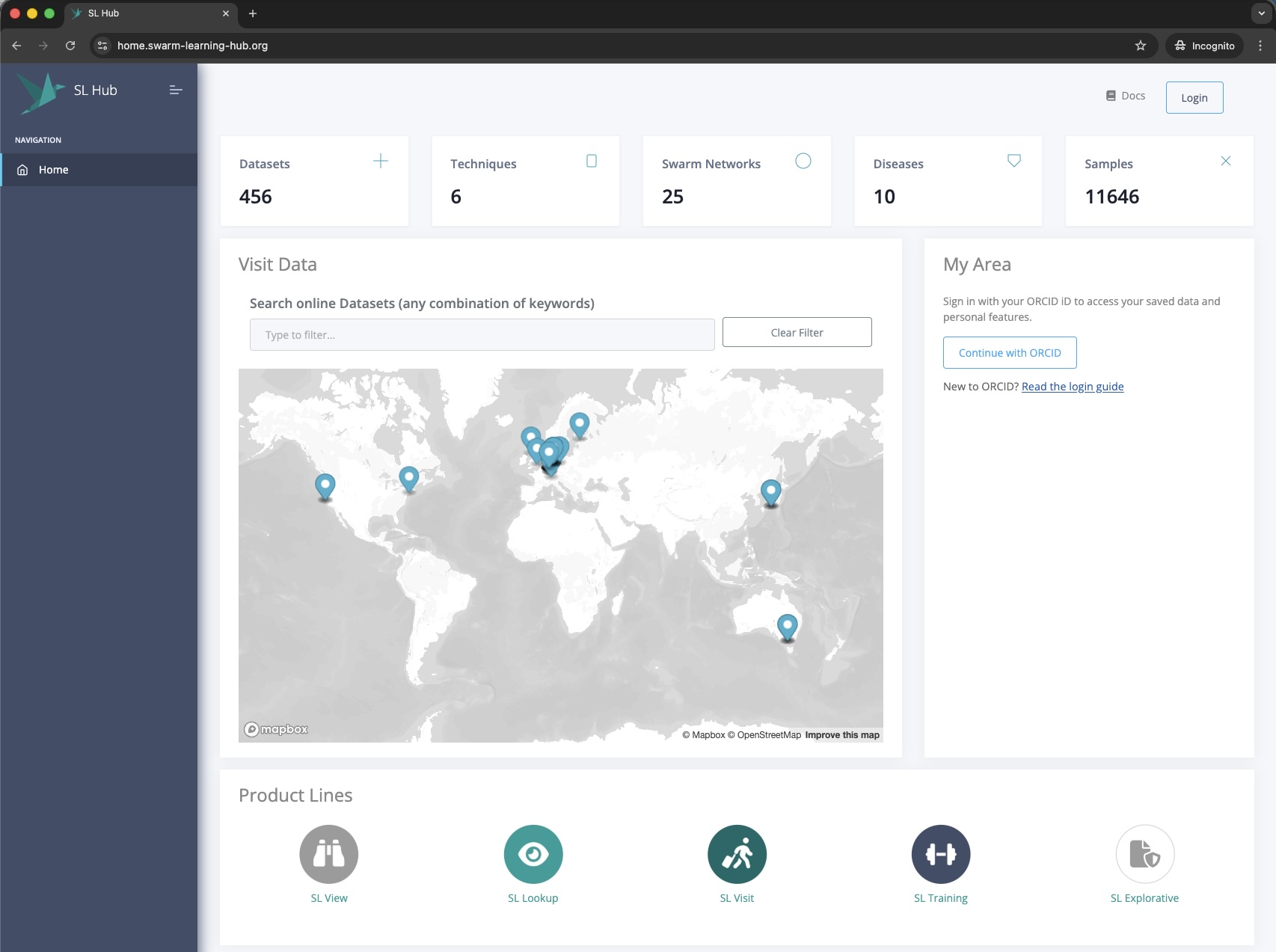
to login or register, click Continue with ORCID (or click Login on the upper right corner)
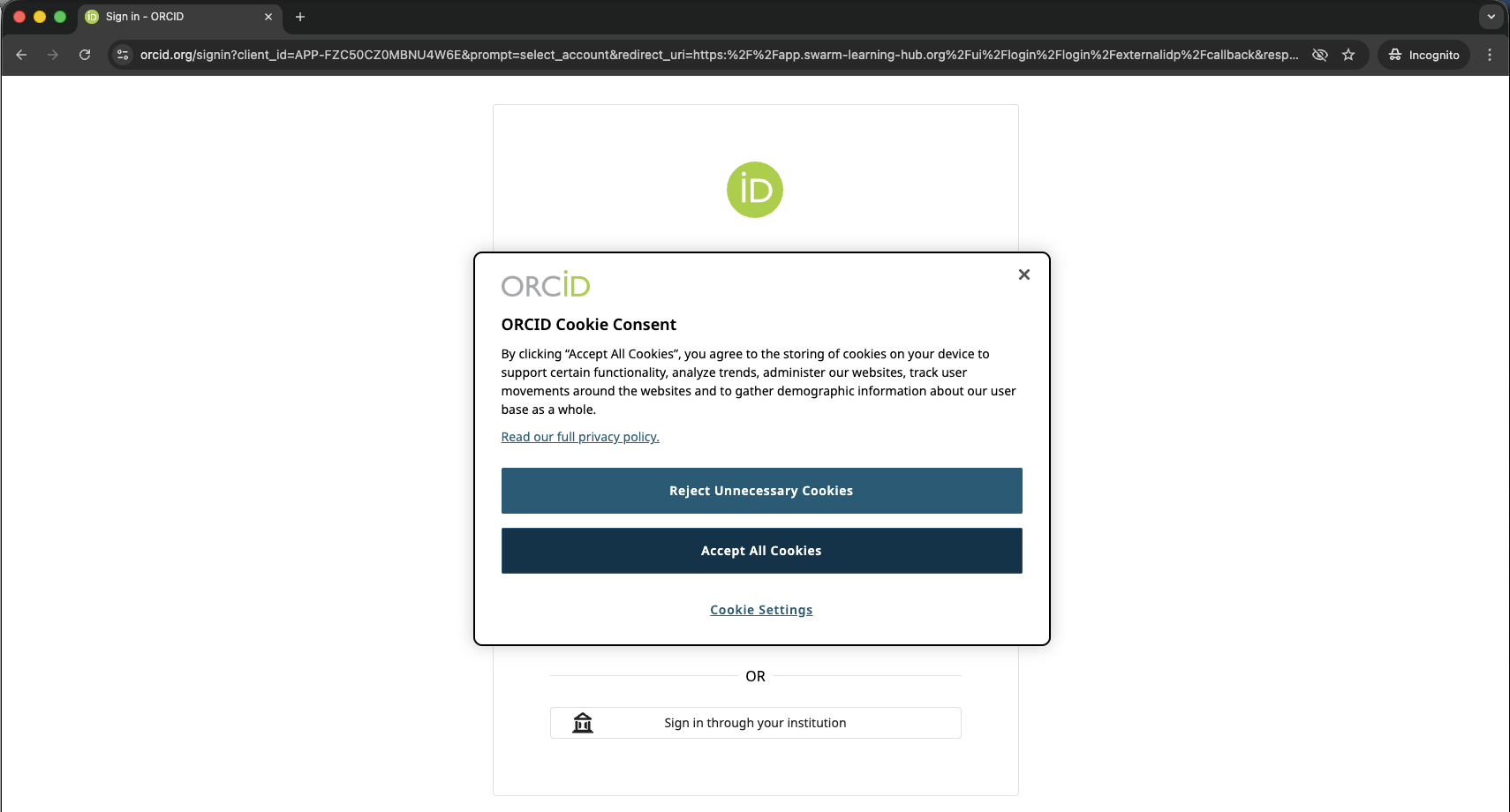
Accept the cookies on ORCID
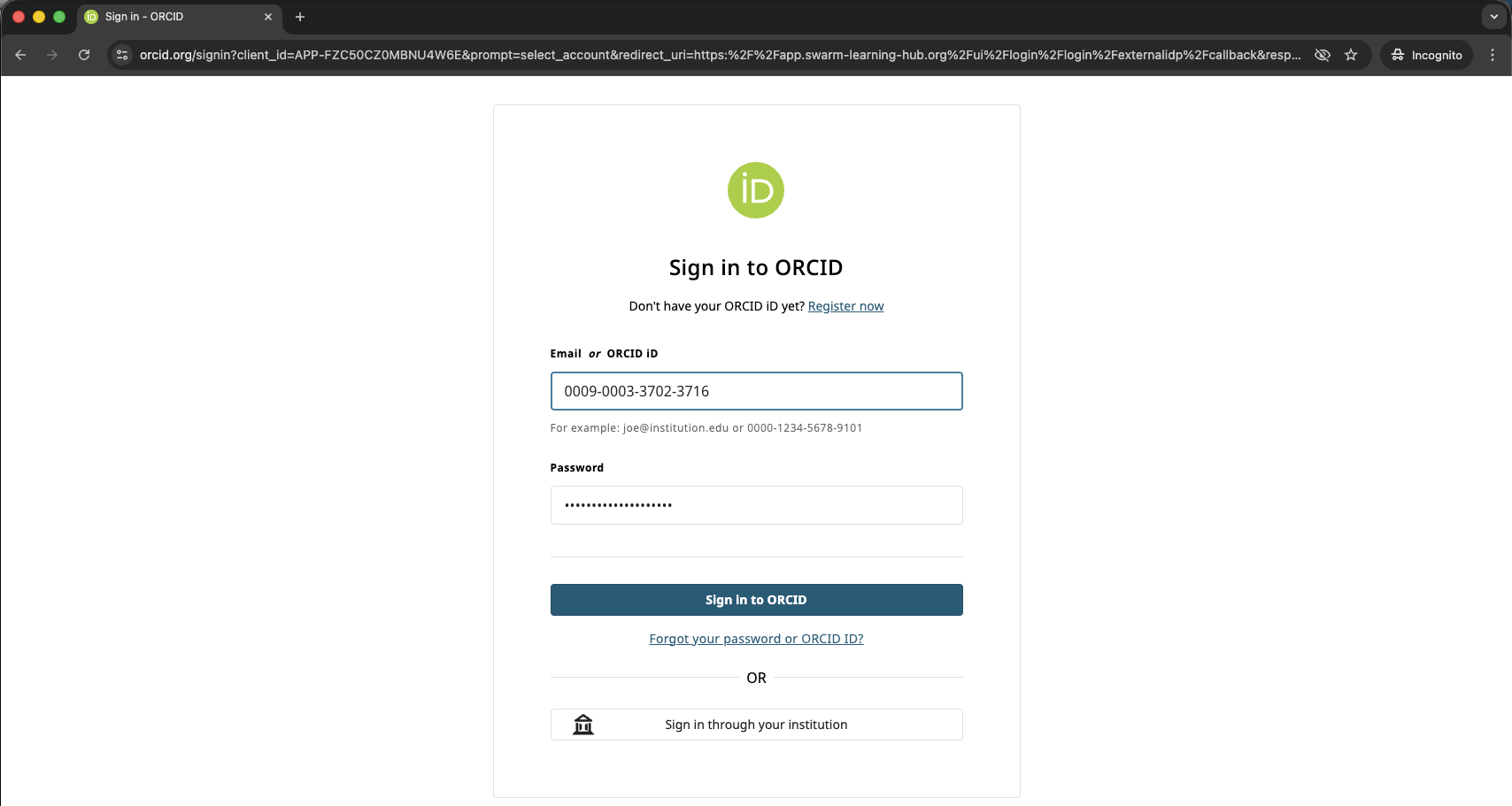
Login to ORCID
login to ORCID with your existing credentials (either your username or your ORCID ID number).
(If you linked your ORCID Account already to your institution, you can login via your organization as well. If you are new to ORCID as a researcher, visit https://info.orcid.org/researchers/ for information or https://orcid.org/register to register directly)
Register / create Account in the Swarm Learning Hub
When you visit the Swarm Learning Hub for the first time, you must register and create an account with the Swarm Learning Hub before you can log in. (The page says ORCID - External User Not Found. This is the step, when your Swarm Learning Hub Account is created).
Please enter your registration information as illustrated below.
1. Given Name
2. Family Name
3. Username (e.g. GivenName.FamilyName)
4. your institutional e-mail
5. Phone (OPTIONAL)
6. Language (OPTIONAL)
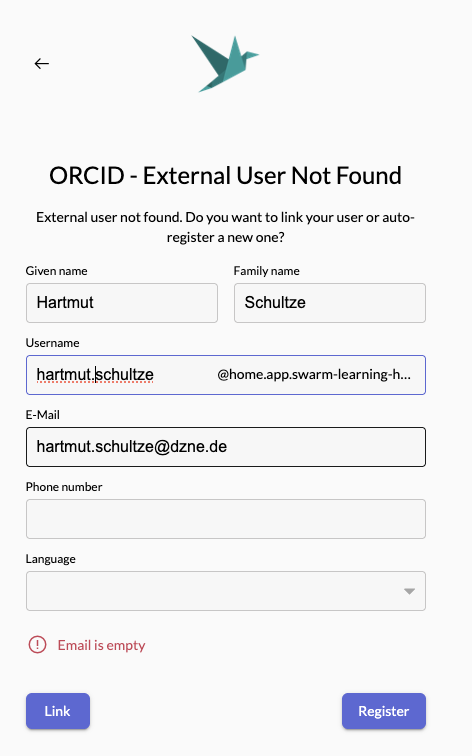
Click Register
Verify your e-mail address
you receive an e-mail from the address "flow.swarm-learning-hub.org" (similar to below)
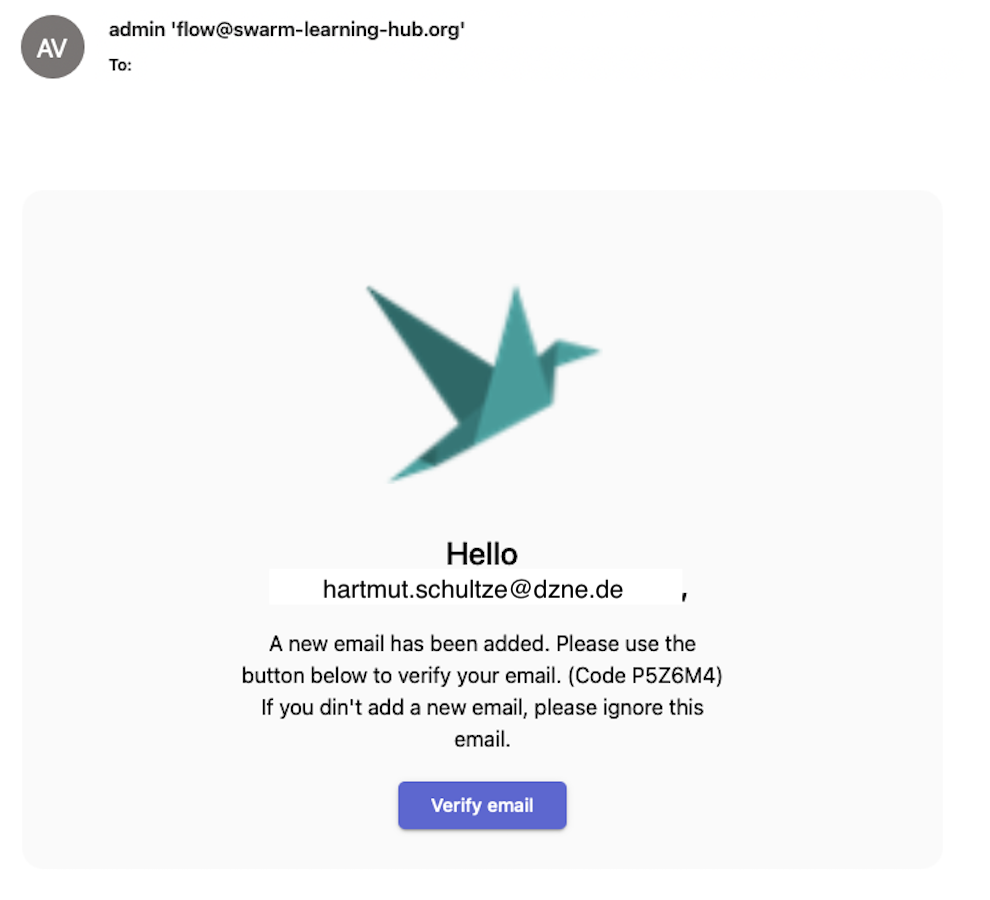
Enter the code you received in the e-mail (in this example: P5Z6M4) into the E-Mail Verification Page you still have from the previous step (or by clicking “verify email”). In case you haven’t received an e-mail after a few minutes, click “Resend Code”.
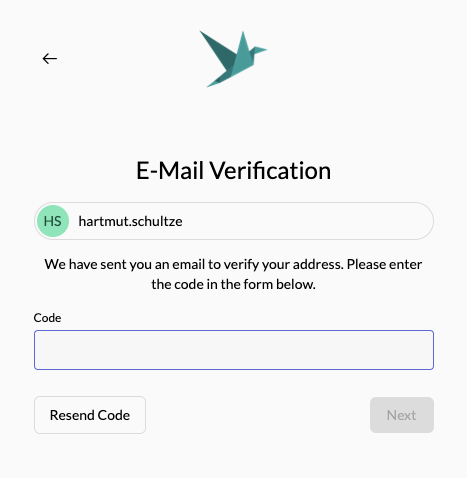
insert the code and click Next
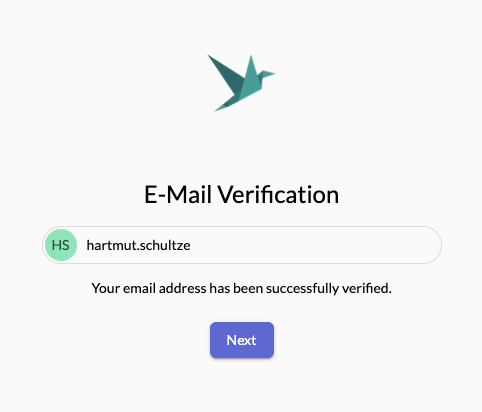
Access to the Swarm Learning Hub
you are logged in to https://home.swarm-learning-hub.org/
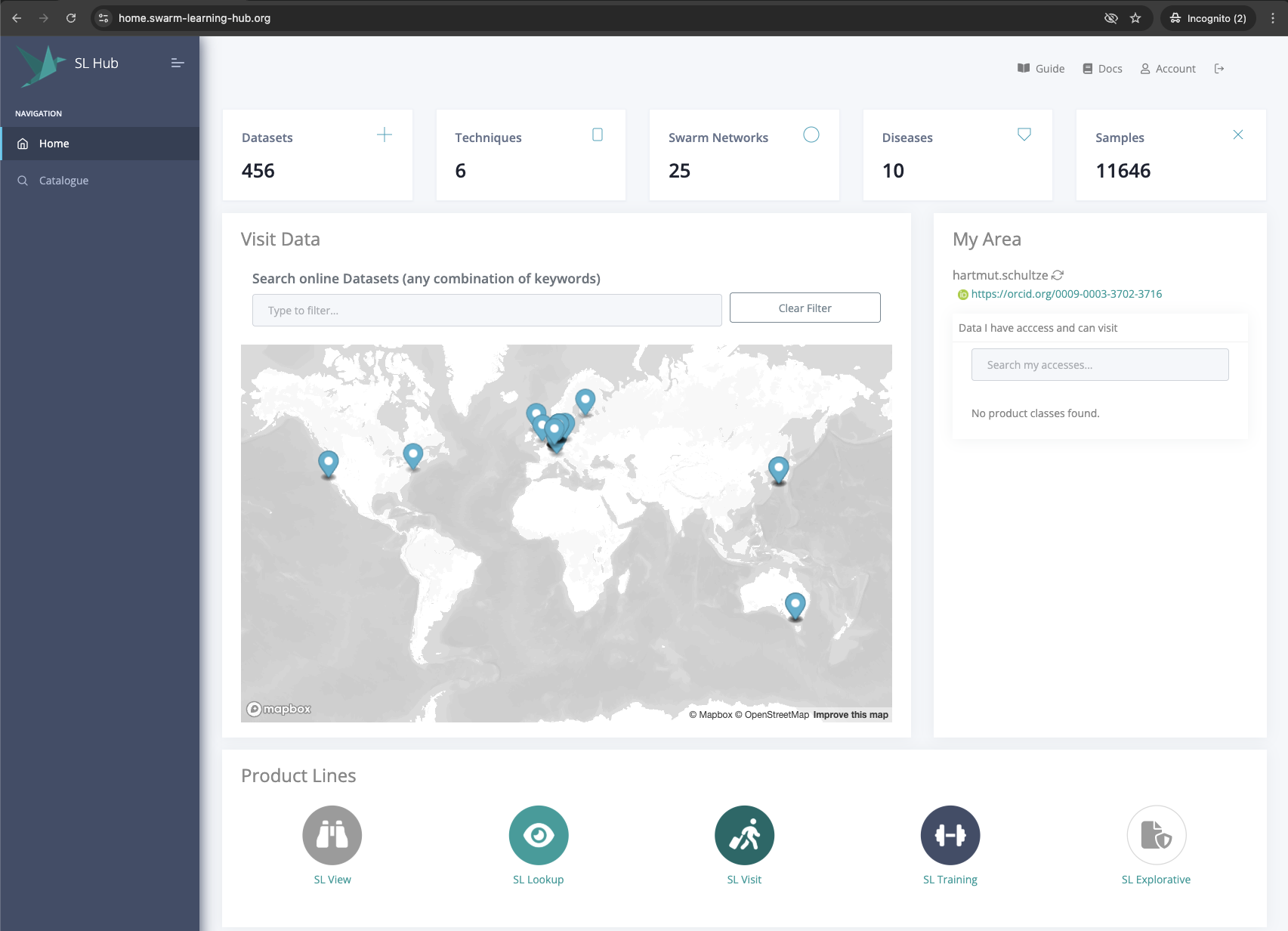
Once you have registered, subsequent logins using ORCID authentication will take you straight to the Swarm Learning Hub.